TinyManager
A downloadable tool
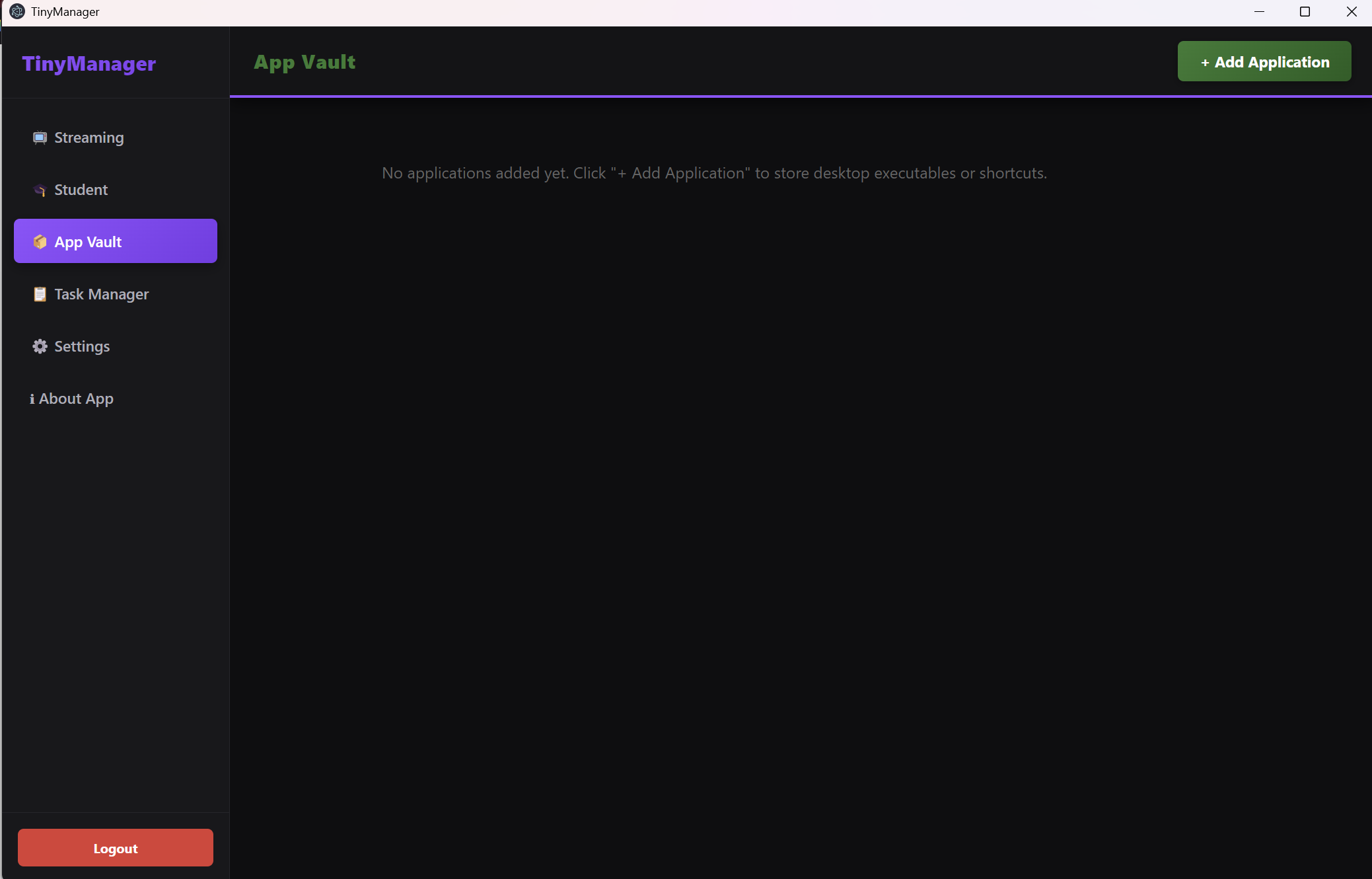
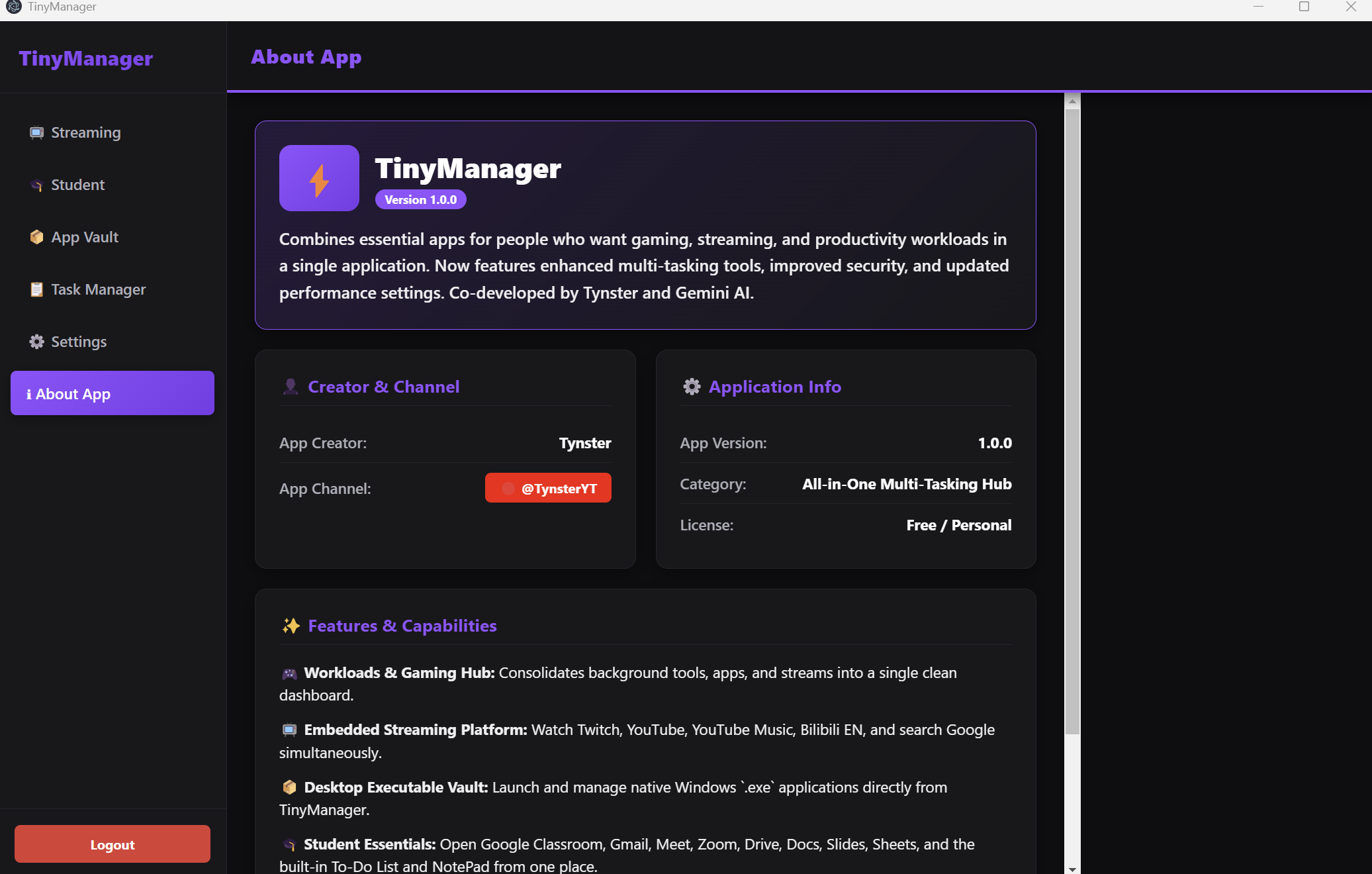
Declutter your digital life with TinyManager—a free, all-in-one workspace that brings order to your daily routine.
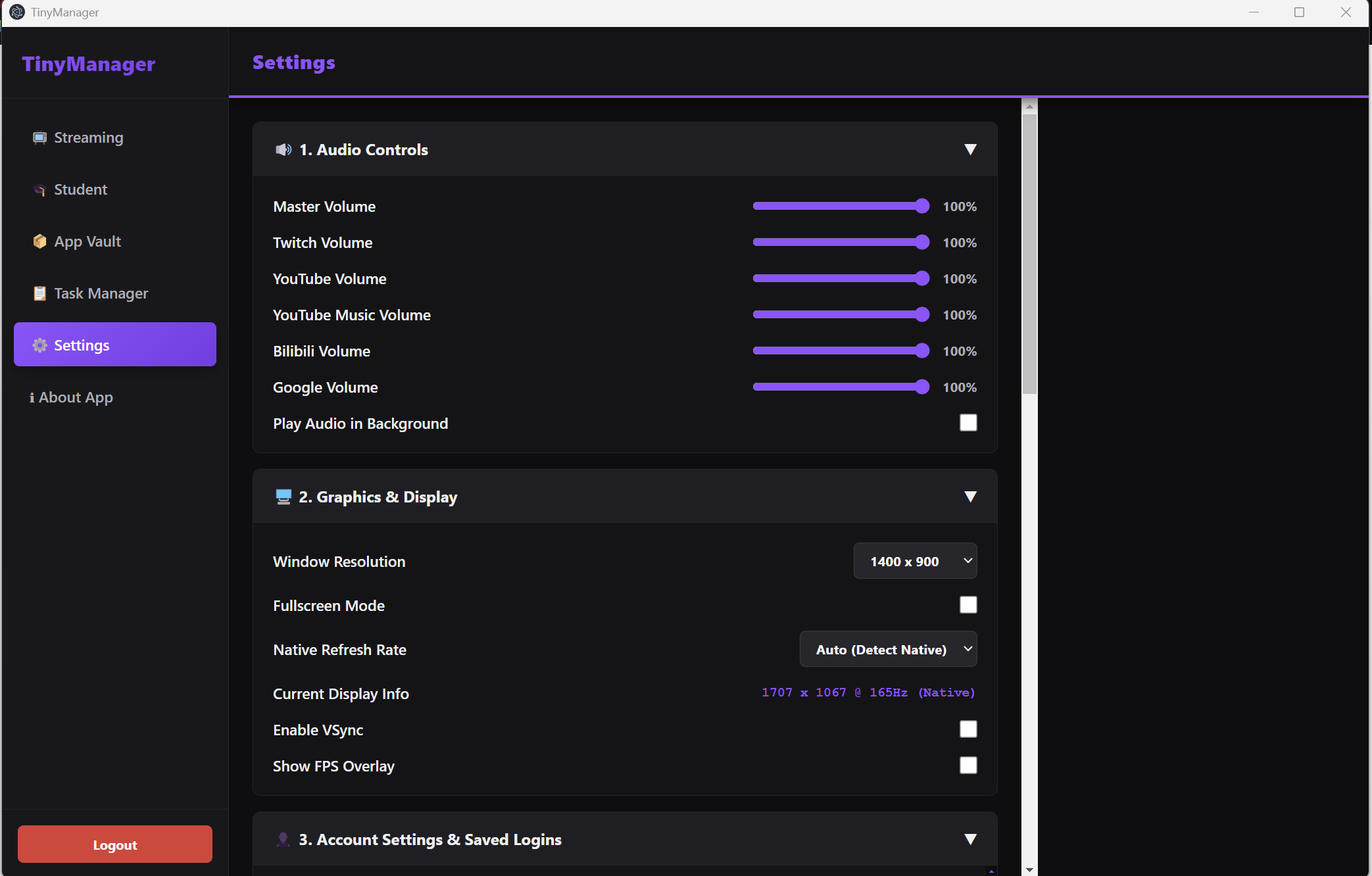
Whether you are studying, relaxing, or working, TinyManager organizes everything into a single, tidy interface:
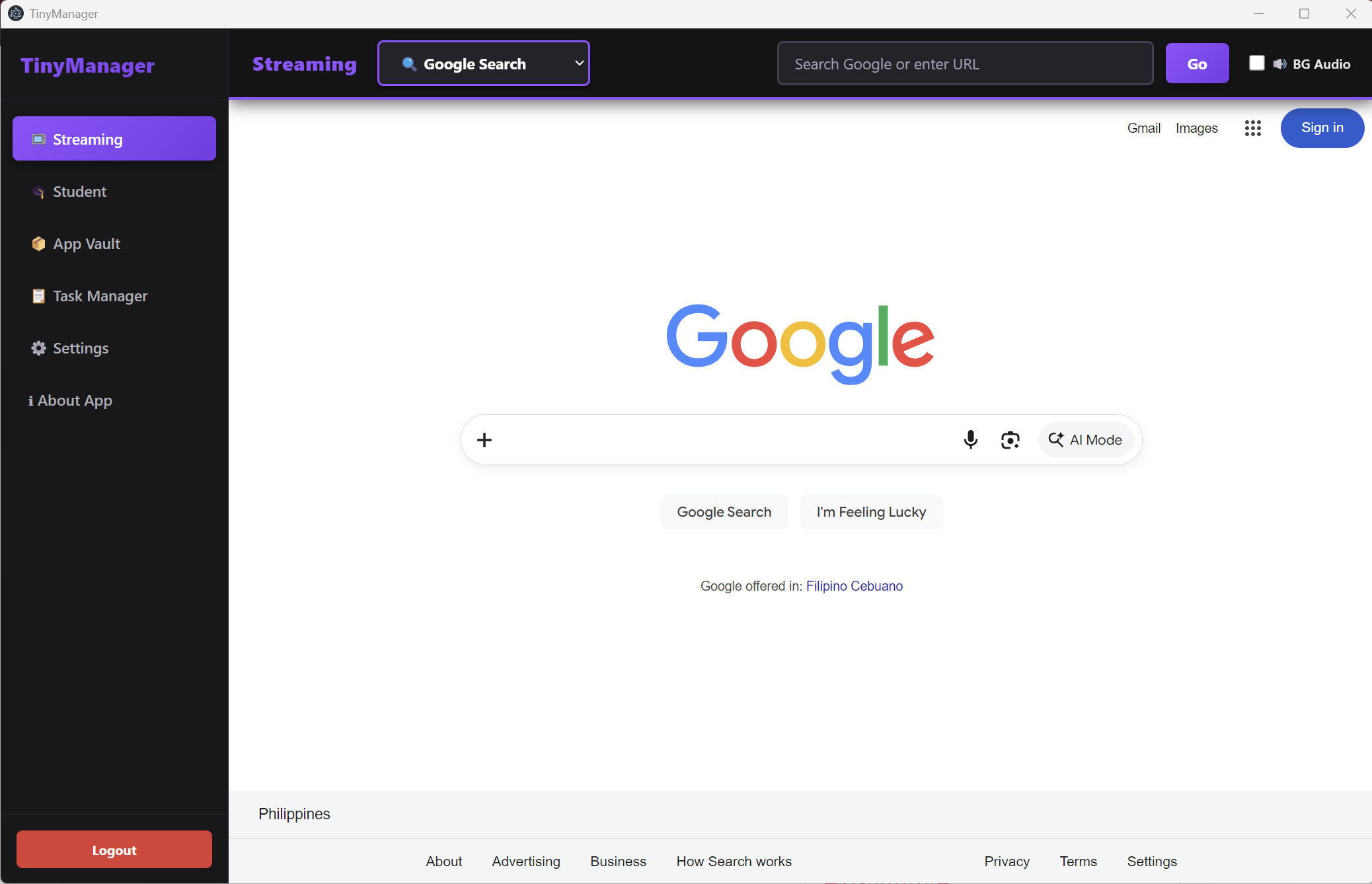
- Streamlined Browsing: Keep your favorite web pages neatly categorized.
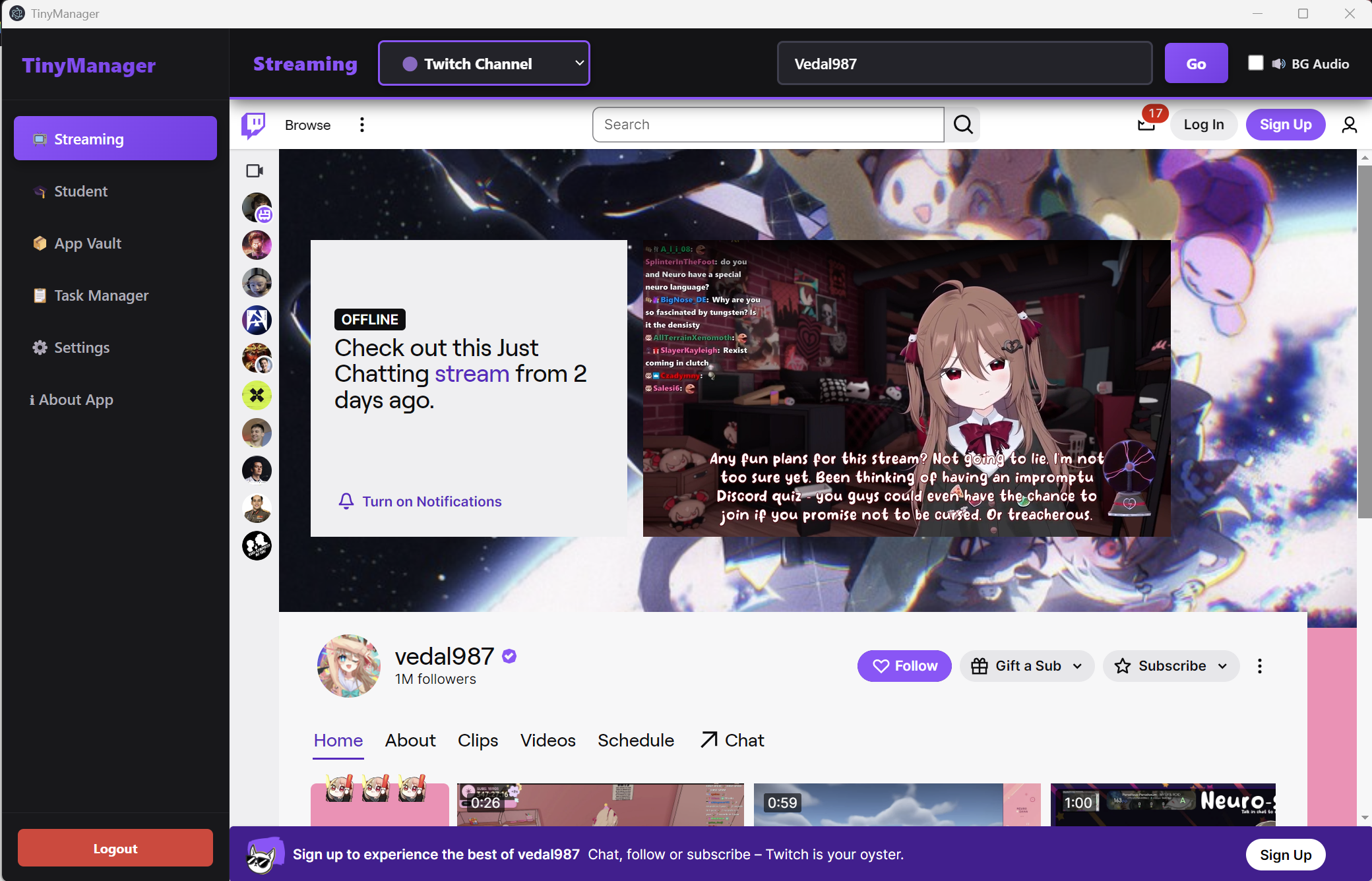
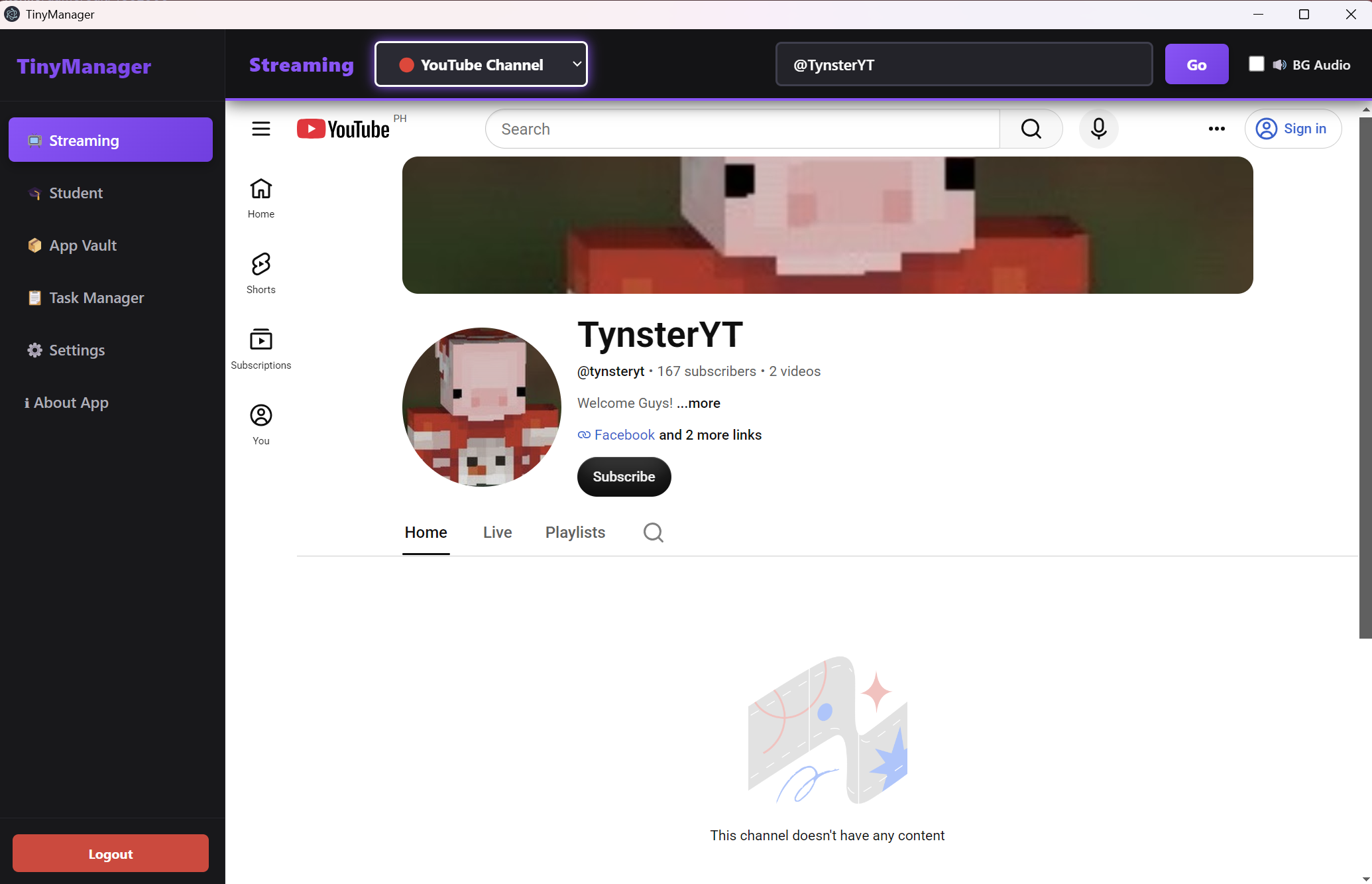
- Entertainment Hub: Easily listen to music and watch live streams in one place.
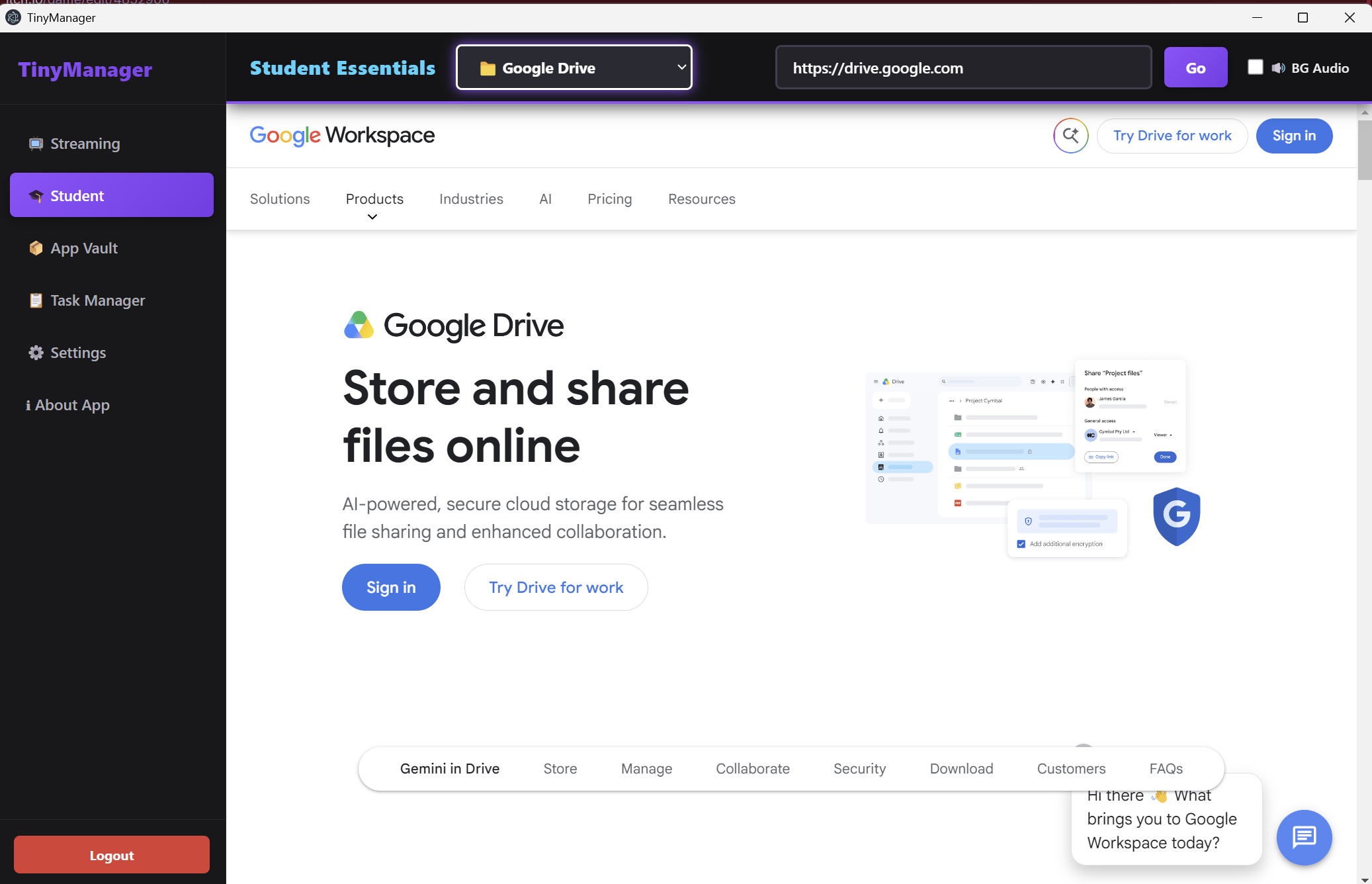
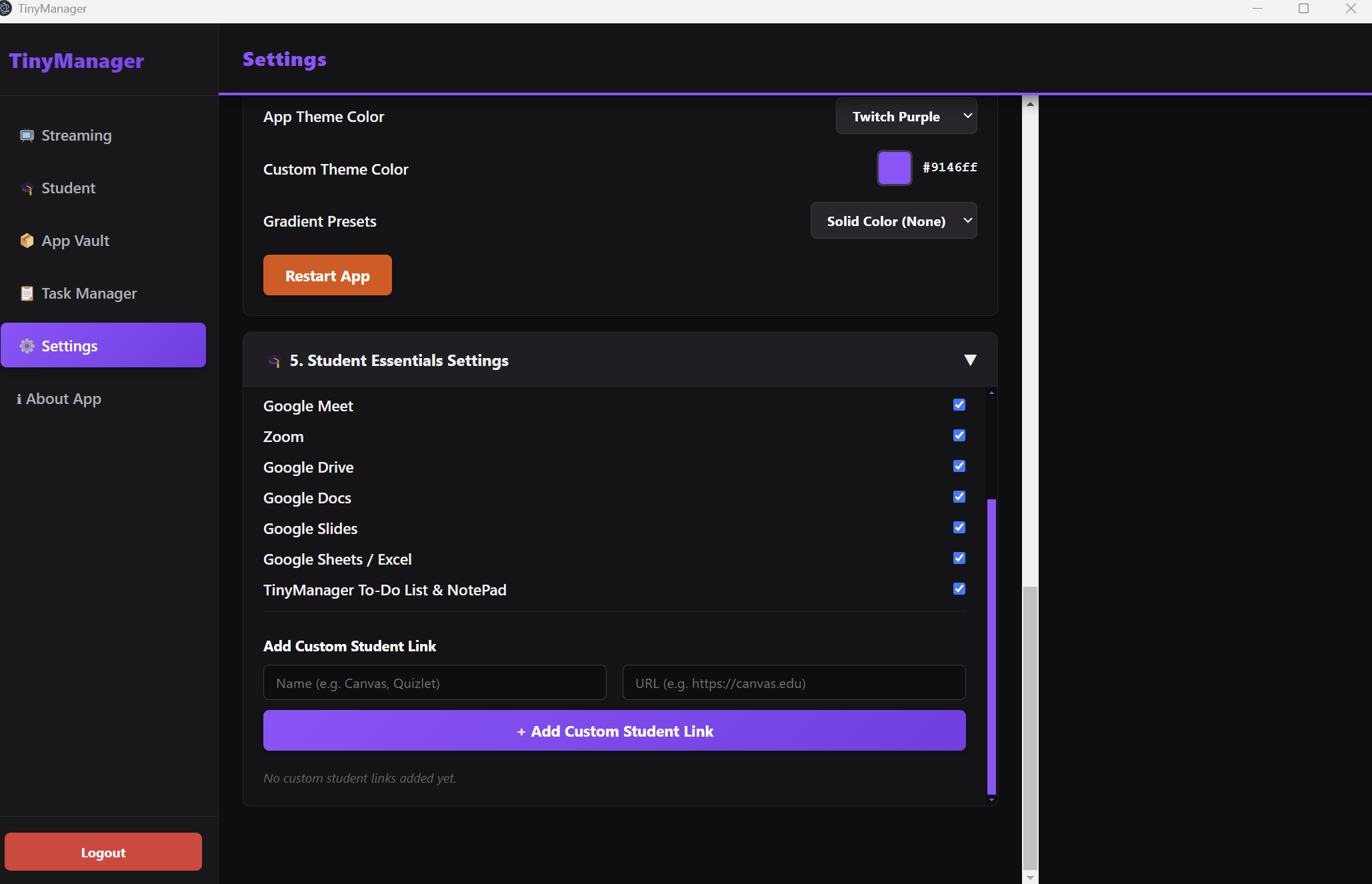
- Student Activities: Manage your schoolwork, notes, and research seamlessly.
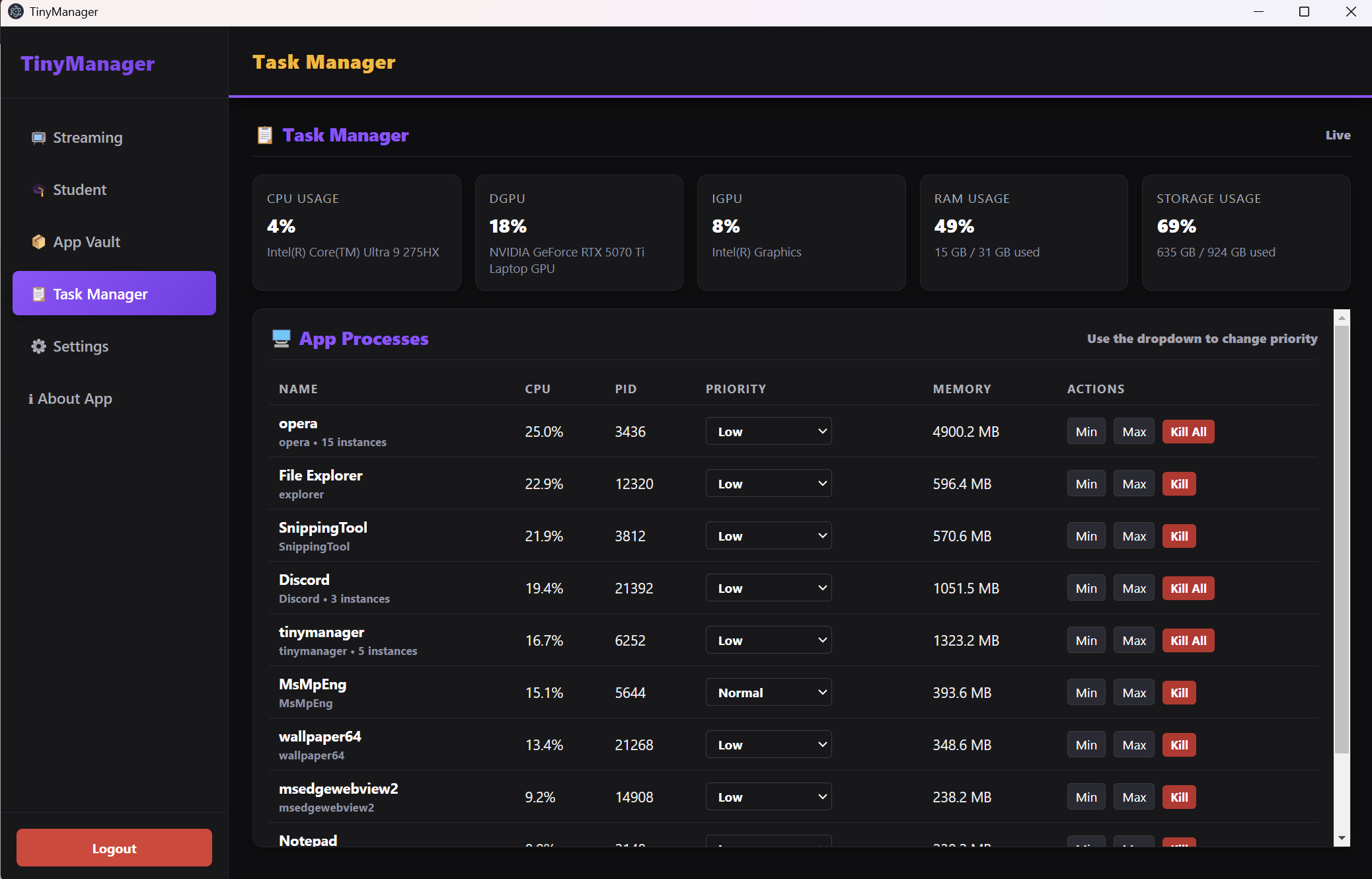
- Built-in Task Manager: Track your to-do lists and keep your workflow productive without leaving the app.
Looking ahead: TinyManager is built with the community in mind and has plans to go fully open-source in the future!
MADE BY TYNSTER AND GEMINI AI
Download
Install instructions
📦 How to Install & Run
1
Download the ZIP: Click the download button above to get the compressed project folder.
2
Unzip the Folder: Right-click the downloaded
.zip file and select "Extract All..." to unpack it.3
Read the Instructions First: Open the extracted folder and look for the documentation/readme file to review any important setup notes.
4
Navigate to the Executable: Go into the
dist folder, then open the windows_unpacked directory.🚀
Launch the App: Double-click
TinyManager.exe to start using the workspace!
💡 Note: If Windows SmartScreen pops up saying "Windows protected your PC", simply click "More info" and then click "Run anyway" to launch the app.